1:1 QuickBooks Online coaching

QuickBooks finally makes sense.

One-on-one coaching for small business owners who are tired of guessing, avoiding their books, or hoping their accountant can “just fix it later.”

  • Live, one-on-one training in your QuickBooks Online file
  • Customized to your business
  • A simple weekly routine you can stick to

Are you an accounting or tax firm? See white-label training for your clients →

A coach and a business owner reviewing QuickBooks together
1 : 1Your file, your questions, your pace
Sound familiar?

If this sounds like you, you're in the right place.

“I'm in QuickBooks, but I have no idea if I'm doing it right.”
“My invoices, expenses, or bank feed are a mess.”
“I'm scared to touch things because I don't want to break the file.”
“I just want someone to walk me through it in plain English.”
How coaching works

Coaching that fits your business

Live 1:1

We work directly in your QuickBooks Online file, with your real data.

Customized

We focus on what you do day to day: invoices, expenses, your bank connection, or reports.

Weekly routine

You leave with a realistic checklist and a written recap you can follow every week.

Packages

Two ways to get started

The bars show how long each session takes. Not sure which one you need? We'll help you pick on the free call.

Package 1

QuickBooks Setup & Confidence

$199 USD one-time coaching package

Best for: People new to QuickBooks · About 2 hours in total

We set up your QuickBooks the right way, then show you, one-on-one, how to do the tasks you use most.

90 min Setup and training session30 min Check-in, 2–4 weeks later

This is for you if

  • You're new to QuickBooks Online, or just switched
  • You want it set up right from the start
  • You want to learn invoicing, expenses, payroll or reports (you choose)

Session 1 · 90 minutes · Setup and training

  • Set up your QuickBooks and the categories you'll use
  • Connect your bank and learn how to handle what comes in
  • Learn the 1–2 things you need most: sending invoices and getting paid, tracking expenses and bills, payroll, sales tax, or reading your reports

Session 2 · 30 minutes · Check-in 2–4 weeks later

  • We look at what you've done since
  • We fix anything that went wrong
  • You leave with a simple weekly checklist
Live, one-on-one, in your own QuickBooks.Book a free consult
Package 2

Deep Dive & Cleanup Coaching

$299 USD one-time coaching package

Best for: Messy or stressful files · About 3 hours in total

For books that have gotten messy. We look at your file first, agree the priorities with you, then work through them together so you understand every change. If your file needs more than the session allows, we'll explain your options.

30 min File review before we meet (we do this on our own)120 min Live cleanup session30 min Check-in

This is for you if

  • Your bank feed, invoices or expenses are a mess
  • You keep making the same mistakes and don't know why
  • You want to fix it together, step by step, so you understand it

Before we meet · 30 minutes · We review your file

  • We look through your recent months on our own, so we come ready with a plan

Session 1 · 2 hours · We clean it up together

  • We show you what's going wrong and why
  • We work through the priorities we agreed on before the session, together, live
  • We sort out common problem areas: credit card payments, personal spending mixed in, and transactions with no category
  • You get a simple weekly or monthly routine

Session 2 · 30 minutes · Check-in

  • We check how the new routine is going
  • We look over your recent entries
  • We fix anything that slipped
Live, one-on-one, in your own QuickBooks.Book a free consult

Prices are in US dollars (USD) for clients in both the USA and Canada. One-time coaching packages: your QuickBooks subscription, ongoing bookkeeping and tax preparation are not included.

A small business owner reviewing a receipt at her laptop
About ClientBooks Academy

QuickBooks doesn't have to feel overwhelming

We've spent over 30 years in accounting, bookkeeping, and accounting software training across the US and Canada. Over and over, we saw the same thing: smart, capable business owners who were great at what they do, but stressed, embarrassed, or stuck when it came to their books.

ClientBooks Academy was created to fix that, one owner at a time.

What we do

  • Work directly in your QuickBooks file
  • Focus on what you use: invoices, expenses, your bank connection, reports, sales tax
  • Explain everything in plain language, not accounting jargon
  • Leave you with a simple weekly routine and a written recap

Who we serve

  • Small business owners who want to understand their numbers and feel in control
  • Owners in the US and Canada who use QuickBooks Online, or are switching to it
  • Service and product businesses: consultants, trades, clinics, shops, freelancers and more

How we're different

  • Truly one-on-one. Not a face in a group or a username in a course.
  • Customized. Built around how you actually run your business.
  • Practical. Real transactions, real issues, real reports. No sample data.
  • Supportive. Our goal isn't to judge your books. It's to help you feel in control of them.

Our promise

  • A calm, patient environment where questions are encouraged
  • Clear explanations in everyday language
  • Honest feedback about what's working and what needs to change
  • Practical next steps you can follow

We can't make your books perfect overnight, but we can make them clearer, cleaner, and much less stressful.

From the blog

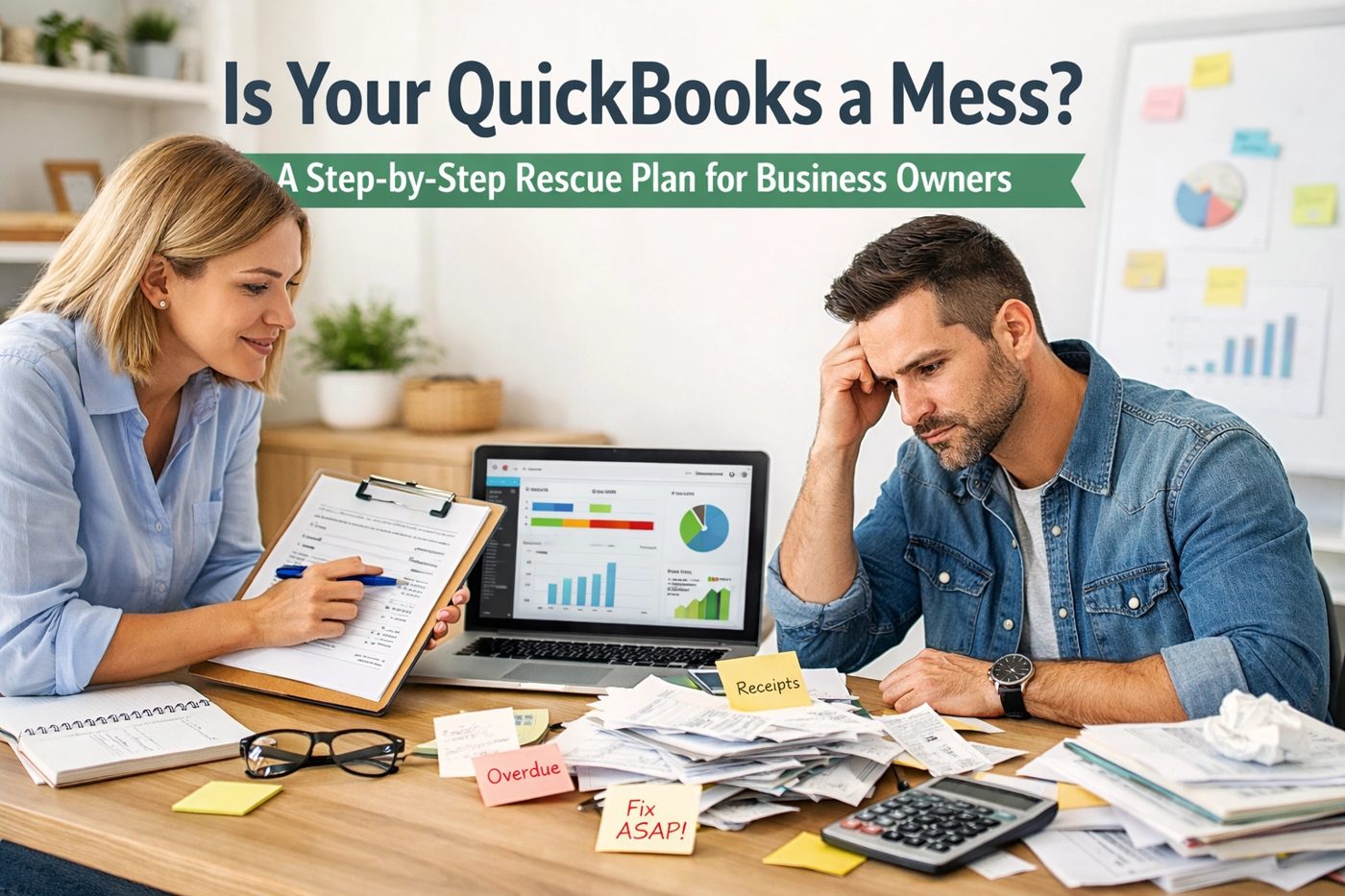
Is your QuickBooks a mess?

A realistic, step-by-step look at what a DIY cleanup takes, and when it makes sense to get help.

Read the rescue plan →

Looking for apps that make QuickBooks easier? See the tools we recommend →

FAQ

Frequently asked questions

Still unsure? Book a free 15-minute consult and ask us anything.

Do I have to change accountants?

No. You can keep your current accountant or bookkeeper. We help you understand and use QuickBooks Online so you can work more confidently with the professionals who already support your business.

Do I need any special education or accounting experience?

No. You don’t need an accounting background or any special qualifications. We explain things in plain language and teach at your pace.

What if I’m not good with computers?

That’s okay. You don’t need to be a technology expert. We walk through the tasks step by step and give you time to practise and ask questions.

Is this a group class or a recorded course?

Neither. Your coaching is live and one-on-one, so we can focus on your business, your questions, and the tasks you need help with.

Will we work in my own QuickBooks account?

Yes. We work with you in your own QuickBooks Online file, using your real business transactions. You learn how to handle the tasks you actually encounter.

What can you help me learn?

Depending on your needs, we can cover invoices, customer payments, expenses, bills, bank feeds, transaction categories, reconciliation basics, and understanding your reports. We agree on your priorities before the session.

What if my books are already messy?

You’re welcome here. Our Deep Dive & Cleanup Coaching package helps identify problems and work through agreed priorities together. Files that need extensive historical cleanup may require additional work beyond the coaching package.

Will you do my bookkeeping for me?

Our focus is teaching you how to manage your everyday bookkeeping. We may work through corrections together during coaching, but ongoing bookkeeping is a separate service.

Will you prepare my taxes?

No. These sessions focus on QuickBooks and bookkeeping skills. Your accountant or tax professional remains responsible for advice about your specific tax situation and preparing your returns.

What do I need for a session?

A computer with reliable internet access, access to your QuickBooks Online account, and a list of questions or tasks you want help with. Have relevant invoices, receipts, or statements available if we’ll be discussing them.

Do I need to share my password?

No. Please don’t send us your password. If access to your file is needed, we’ll explain the appropriate QuickBooks invitation process.

How much time will I need?

Setup & Confidence includes a 90-minute session and a 30-minute follow-up. Deep Dive & Cleanup Coaching includes a 30-minute file review, a two-hour live session, and a 30-minute follow-up.

Will I have something to refer to afterward?

Yes. You’ll receive a written recap and a practical bookkeeping routine or checklist to help you continue what you’ve learned.

Which package should I choose?

Book a free 15-minute consultation. Tell us what’s happening in your QuickBooks file, and we’ll recommend a suitable starting point.

Do you work with businesses in Canada and the United States?

Yes. We support business owners in both countries who use QuickBooks Online. Training is tailored to your business and the version you use.

I feel embarrassed about my books. Will I be judged?

No. You don’t need to have everything organised before asking for help. Our approach is calm, patient, and practical. Questions are encouraged.

Your books. Your confidence.